Reason 1: Your records never sit on someone else's server
Everything you add is stored and encrypted on your phone. VeraLocker keeps no copy, so there's no cloud account to breach and no one mining your data.
How local storage works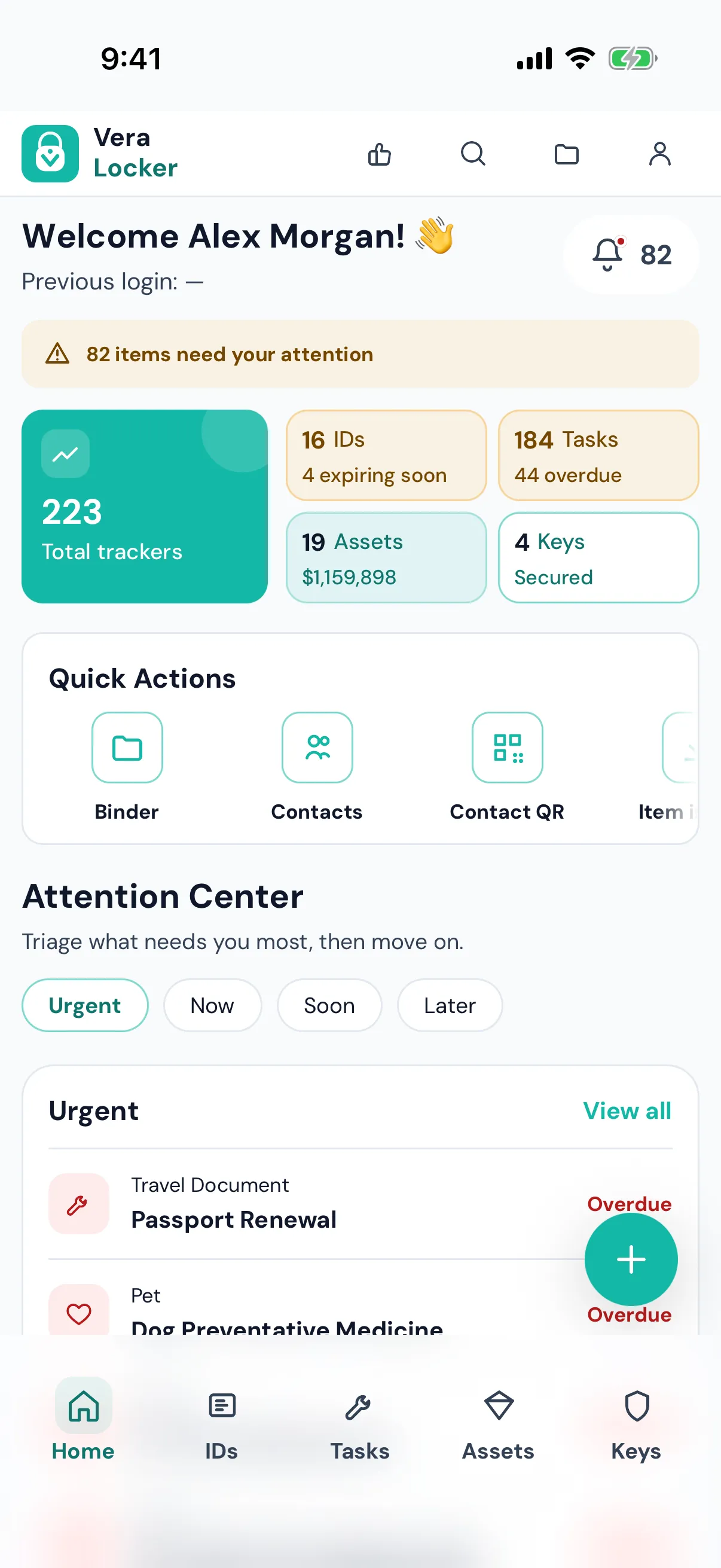
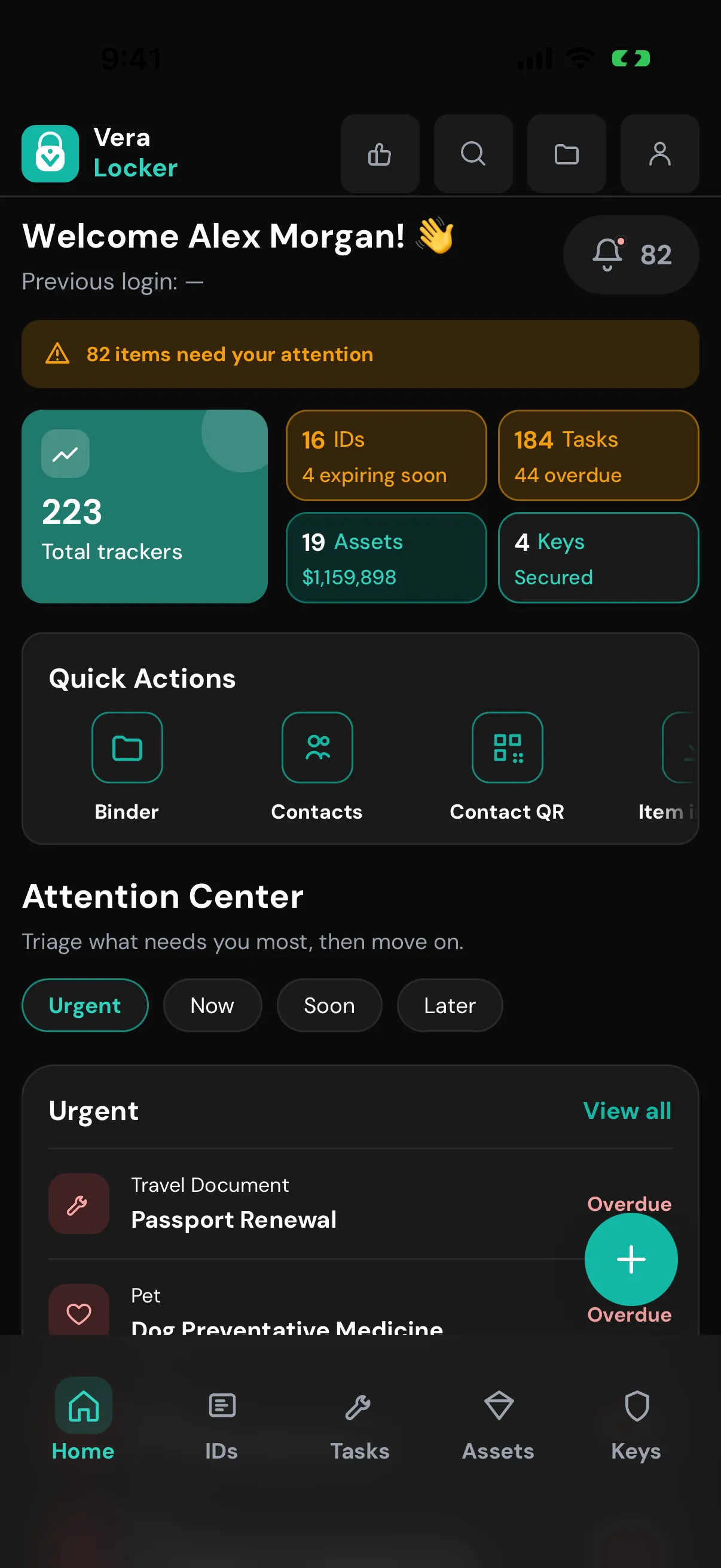
Most apps that organize your life keep it on their servers. VeraLocker keeps it on your phone, and still handles reminders, packets, and sharing.
Everything you add is stored and encrypted on your phone. VeraLocker keeps no copy, so there's no cloud account to breach and no one mining your data.
How local storage works No signup, no email, no password to forget. Set a vault passphrase and start, on Free or Pro.
Getting started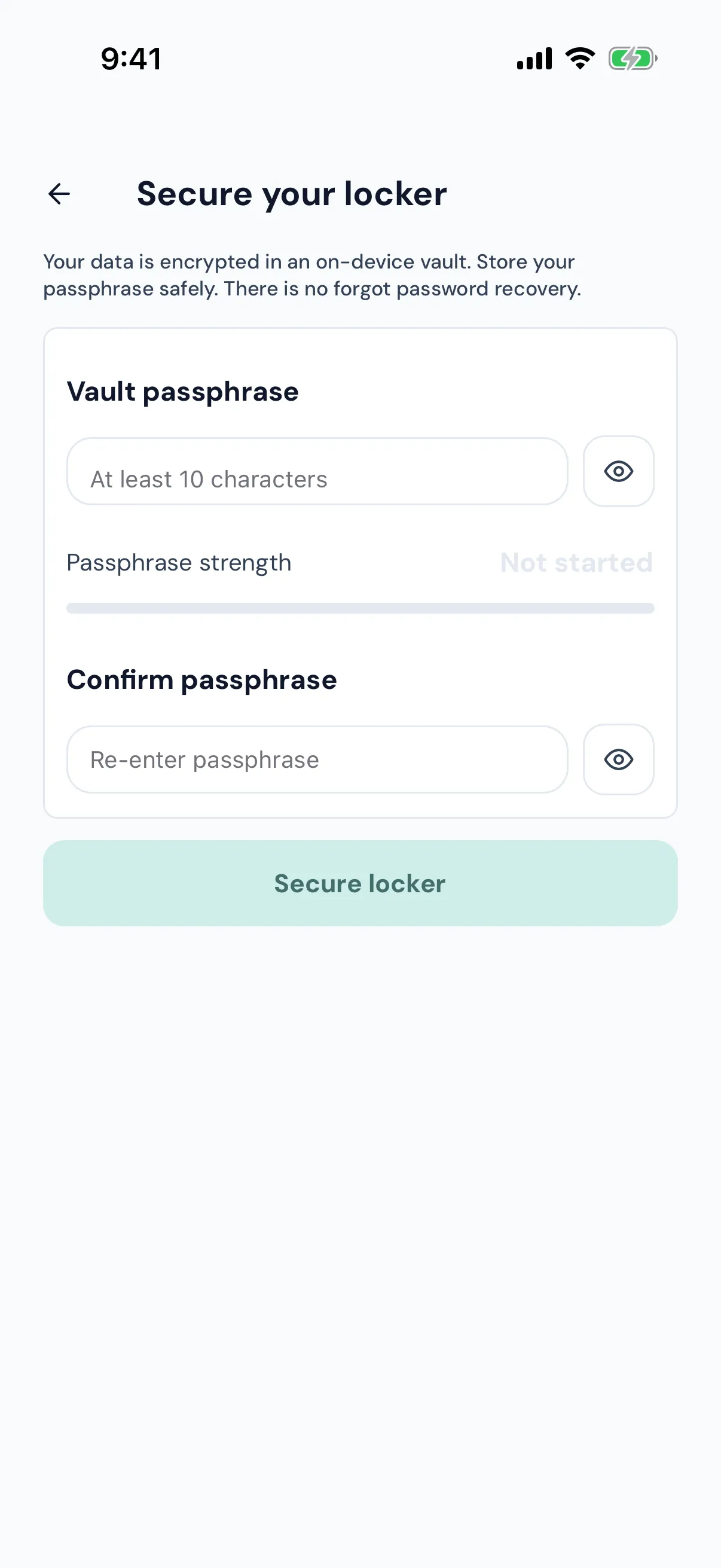
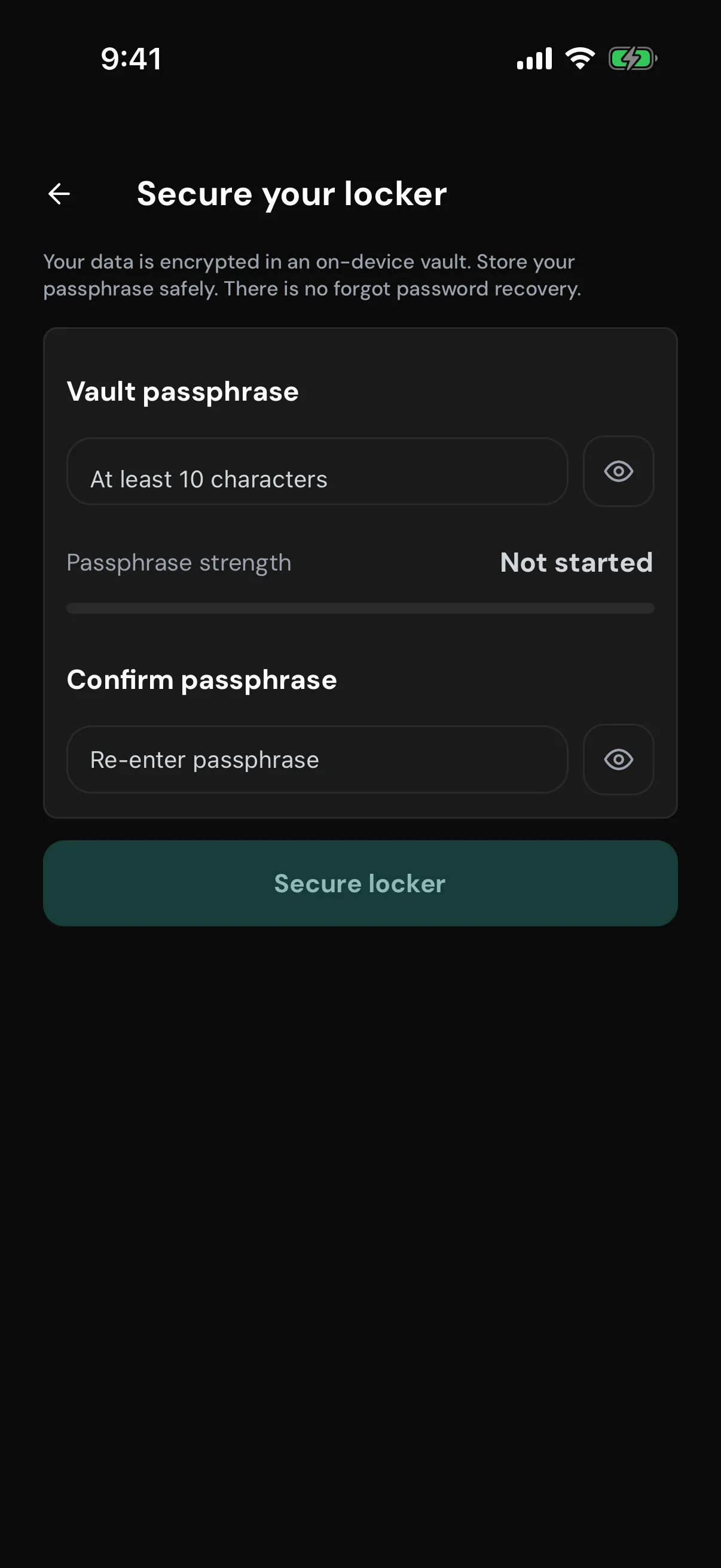
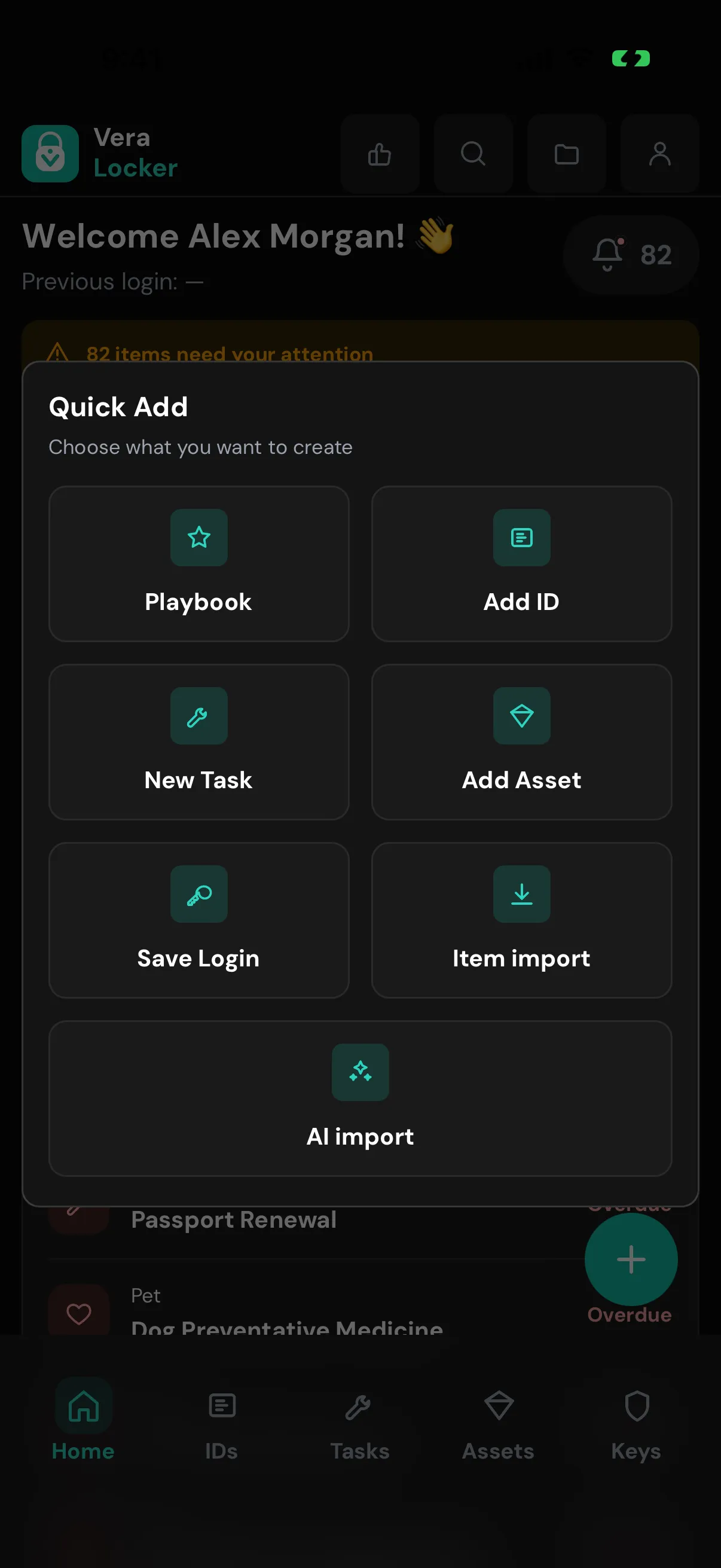
IDs, assets and warranties, home and vehicle maintenance, and logins with built-in 2FA codes live together, instead of across an inventory app, a calendar, a password manager, and a kitchen drawer.
Add your first item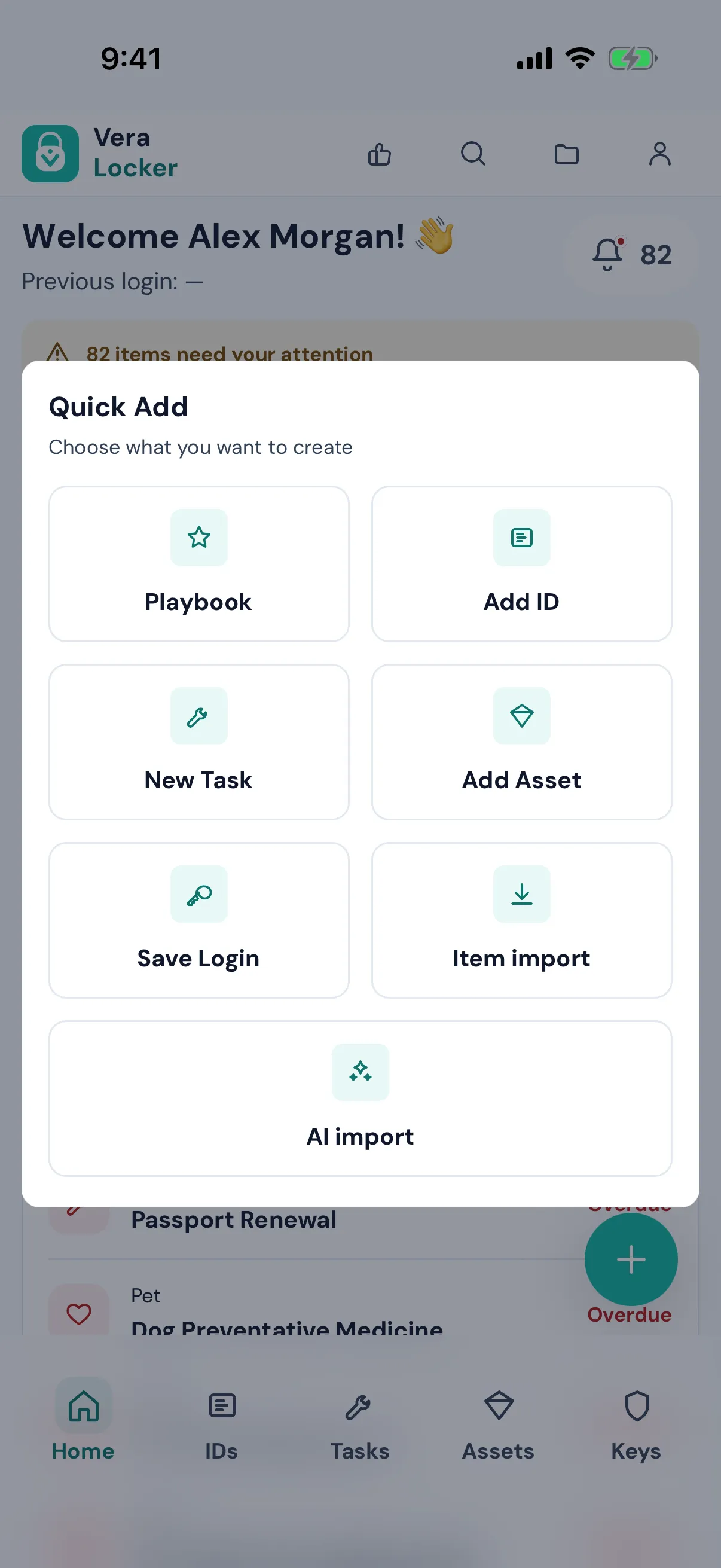
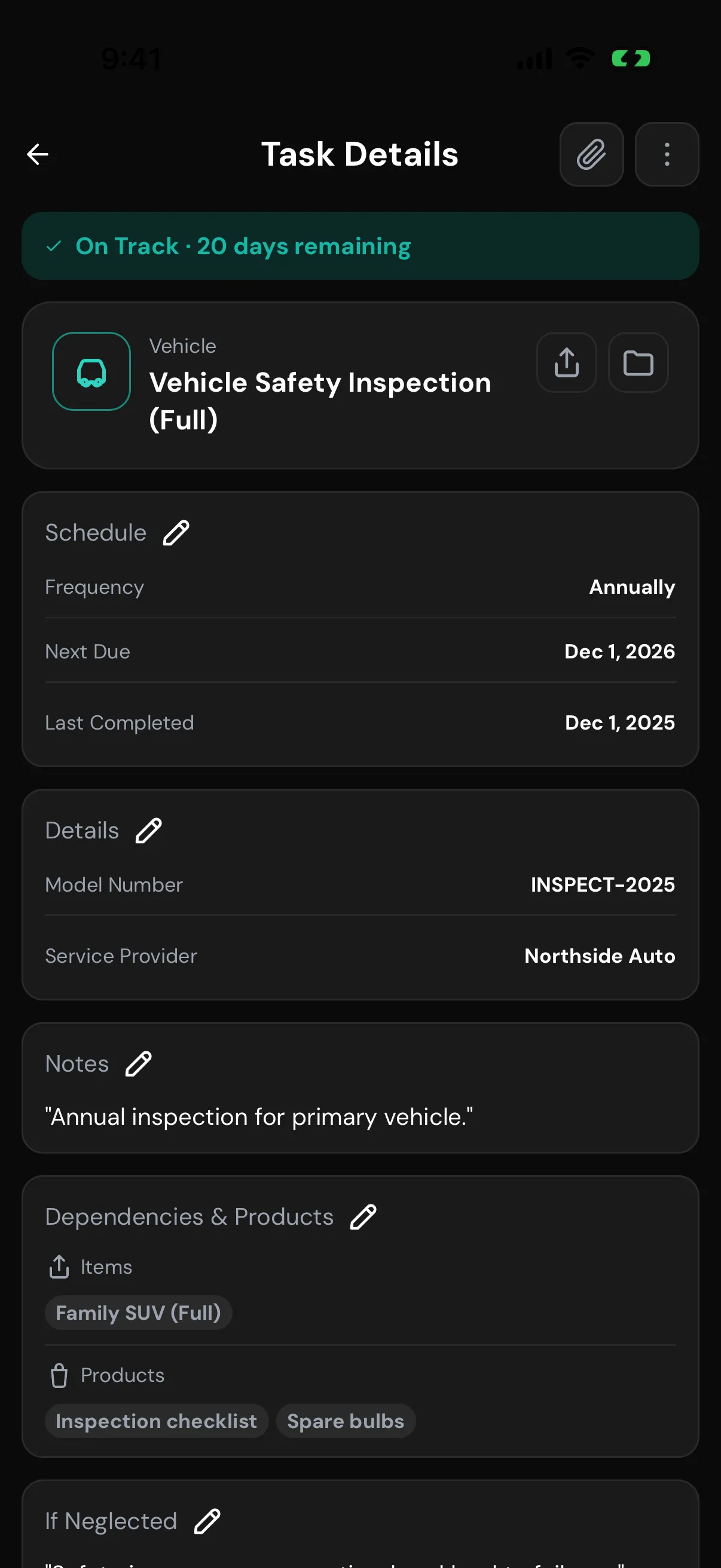
Every reminder says what happens if you skip it, not just when it's due. That's the difference between a $40 filter and a $4,000 repair.
Setting up reminders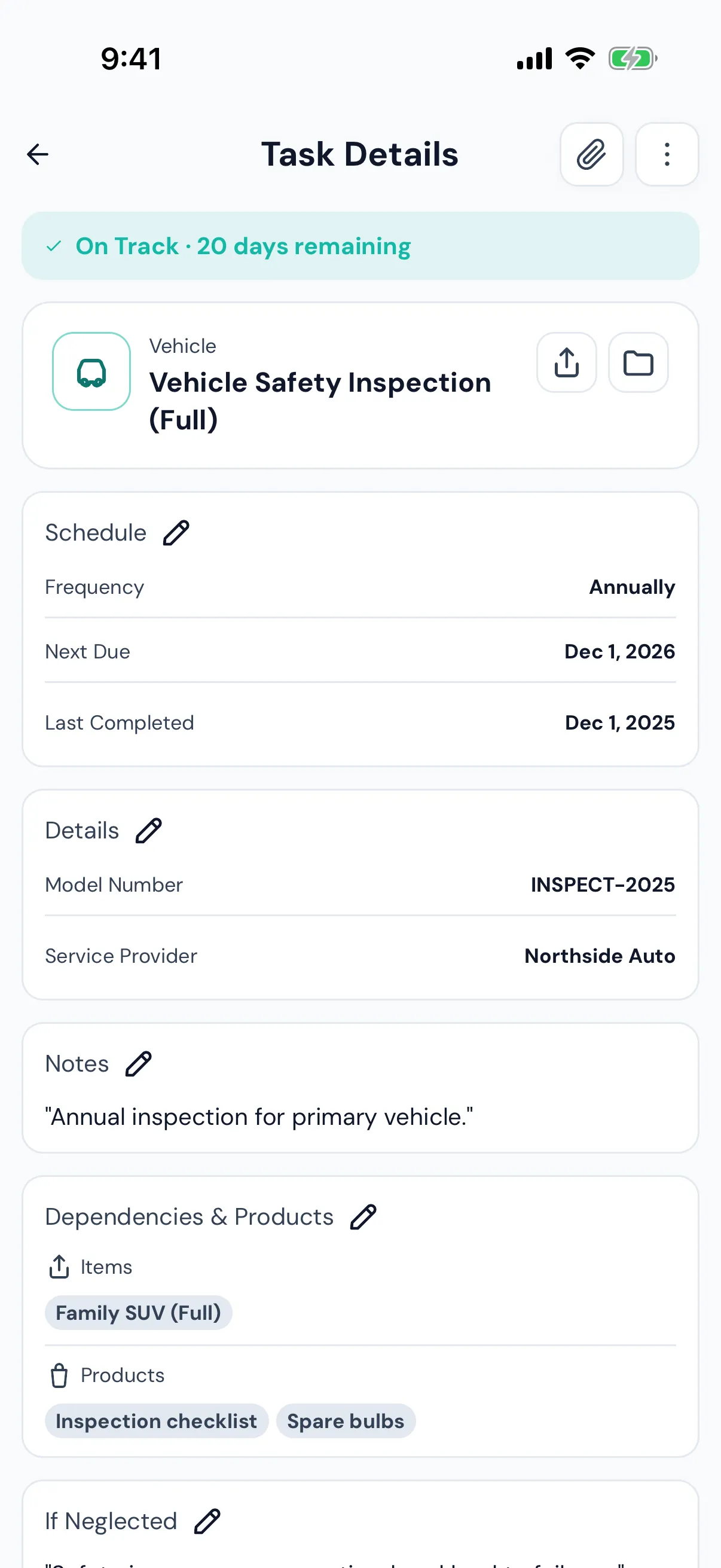
One system follows each record from the day you store it to the day someone else needs it, so nothing important falls through the cracks.
See the four pillars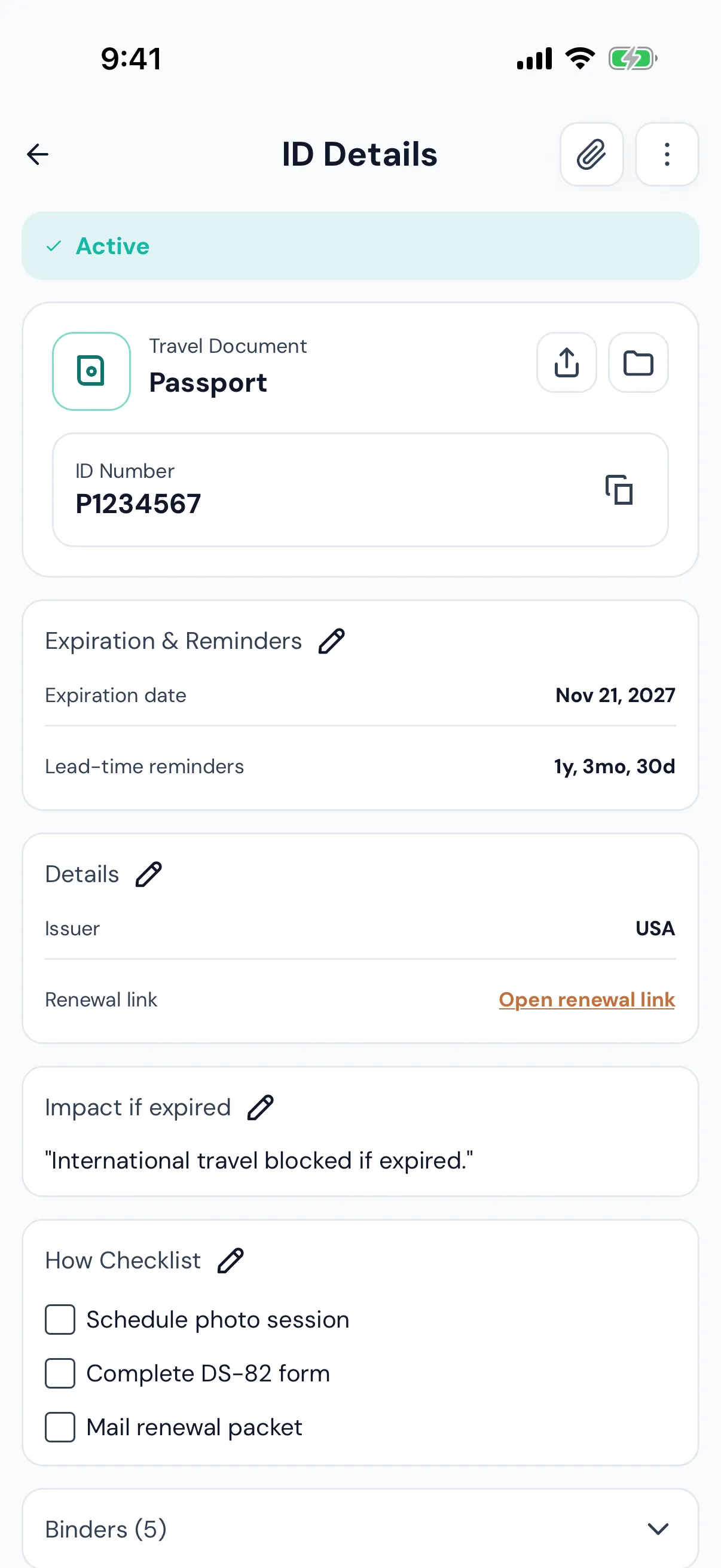
Smart Binders and Playbooks gather what a pet sitter, a trip, or a parent's care needs, and print to a clean PDF when paper is easier.
Smart Binders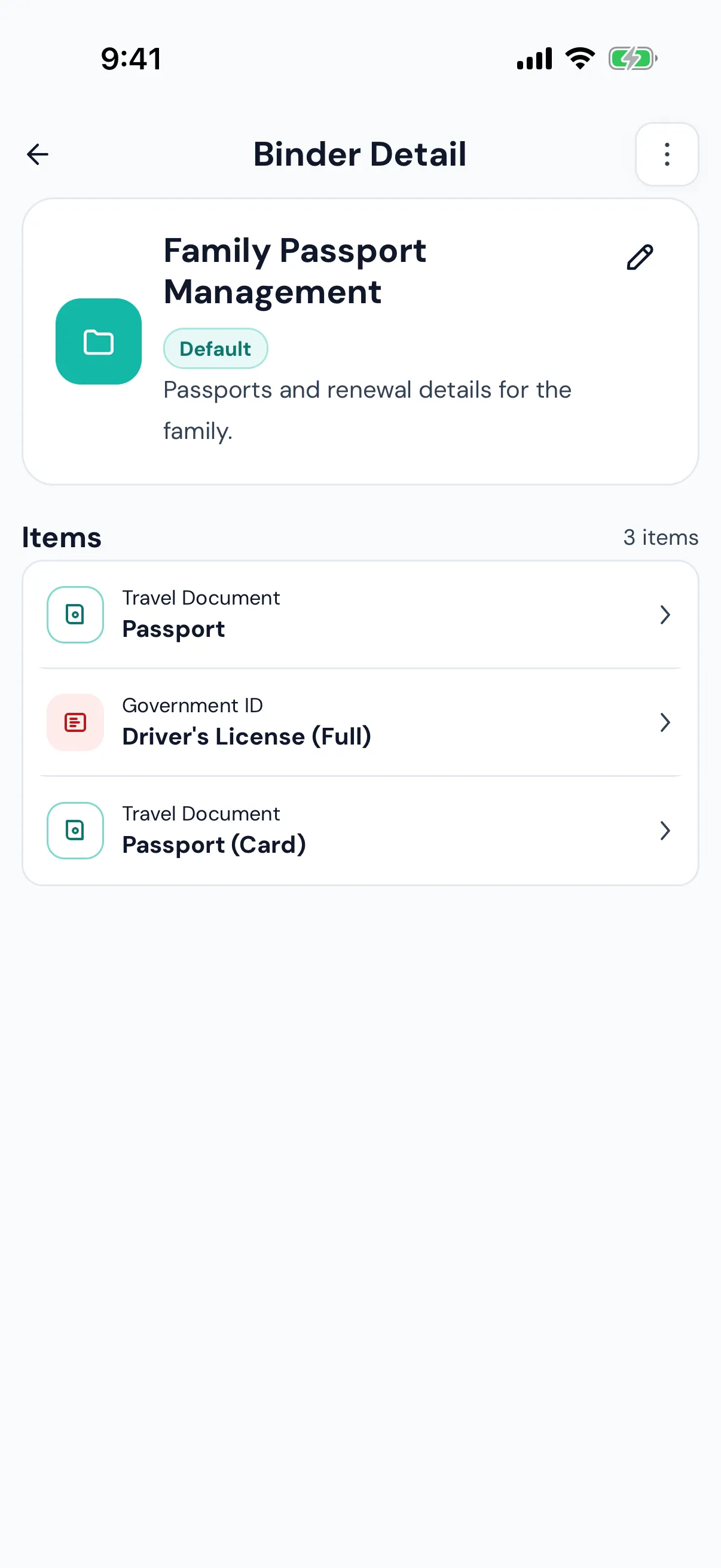
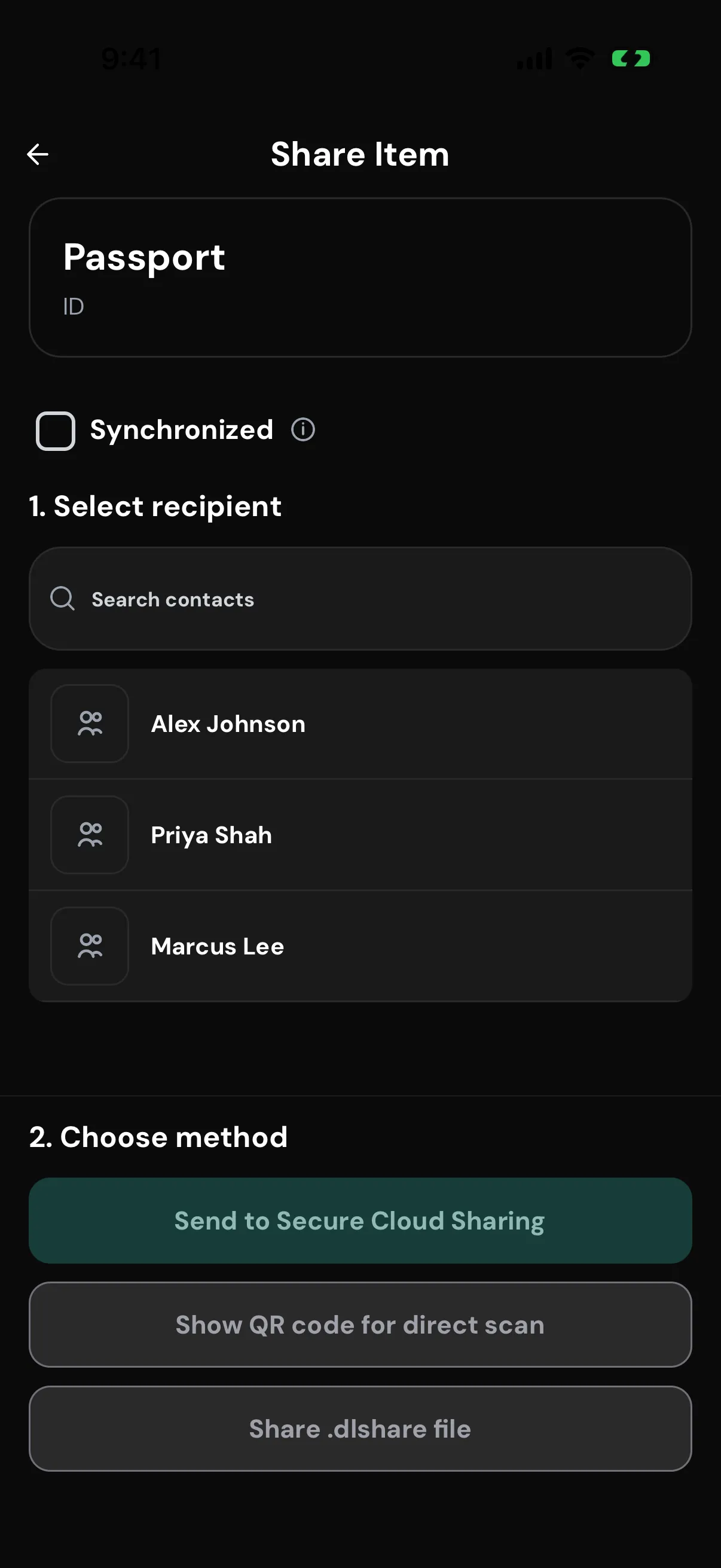
Connect once by scanning a QR code. Every share is end-to-end encrypted, and synchronized items keep one shared history for co-parents and caregivers.
Sharing with family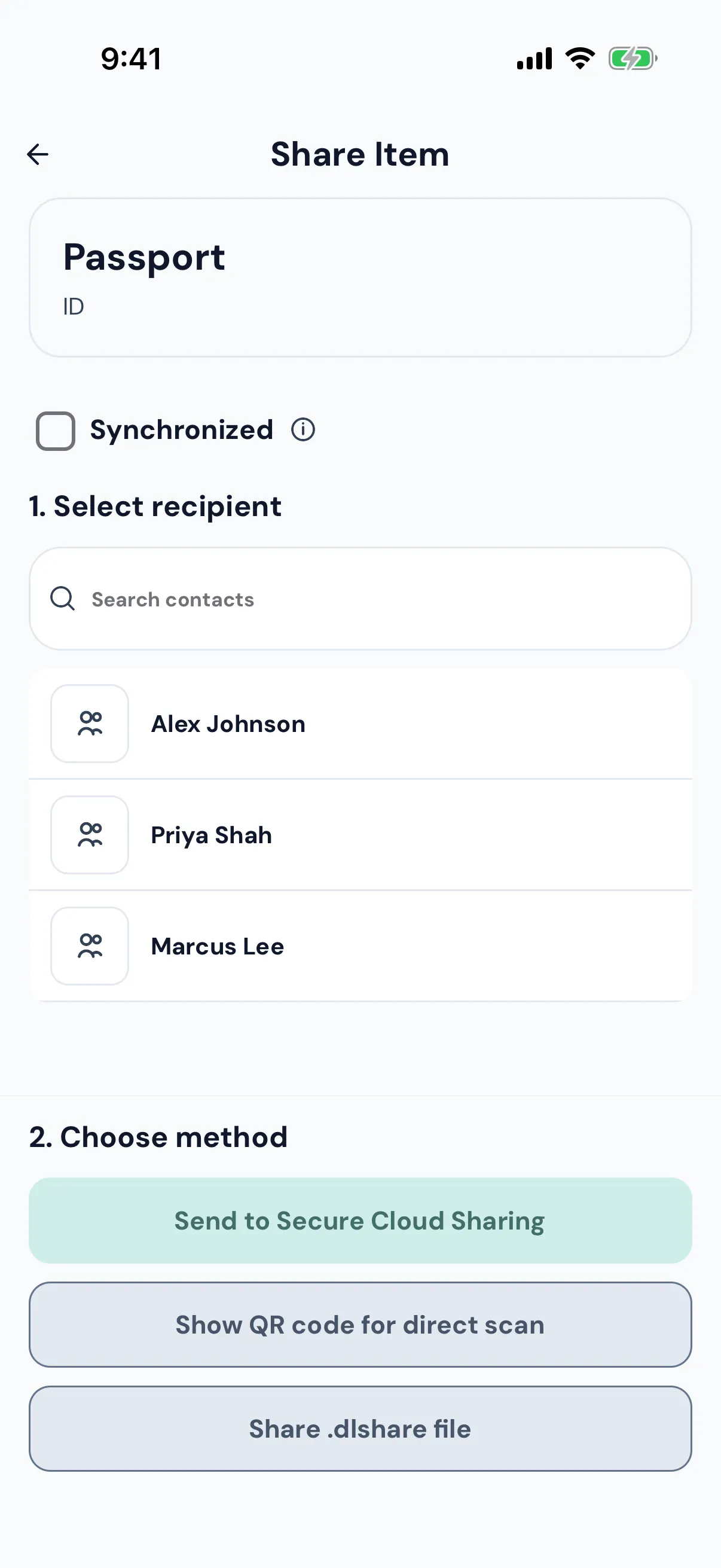
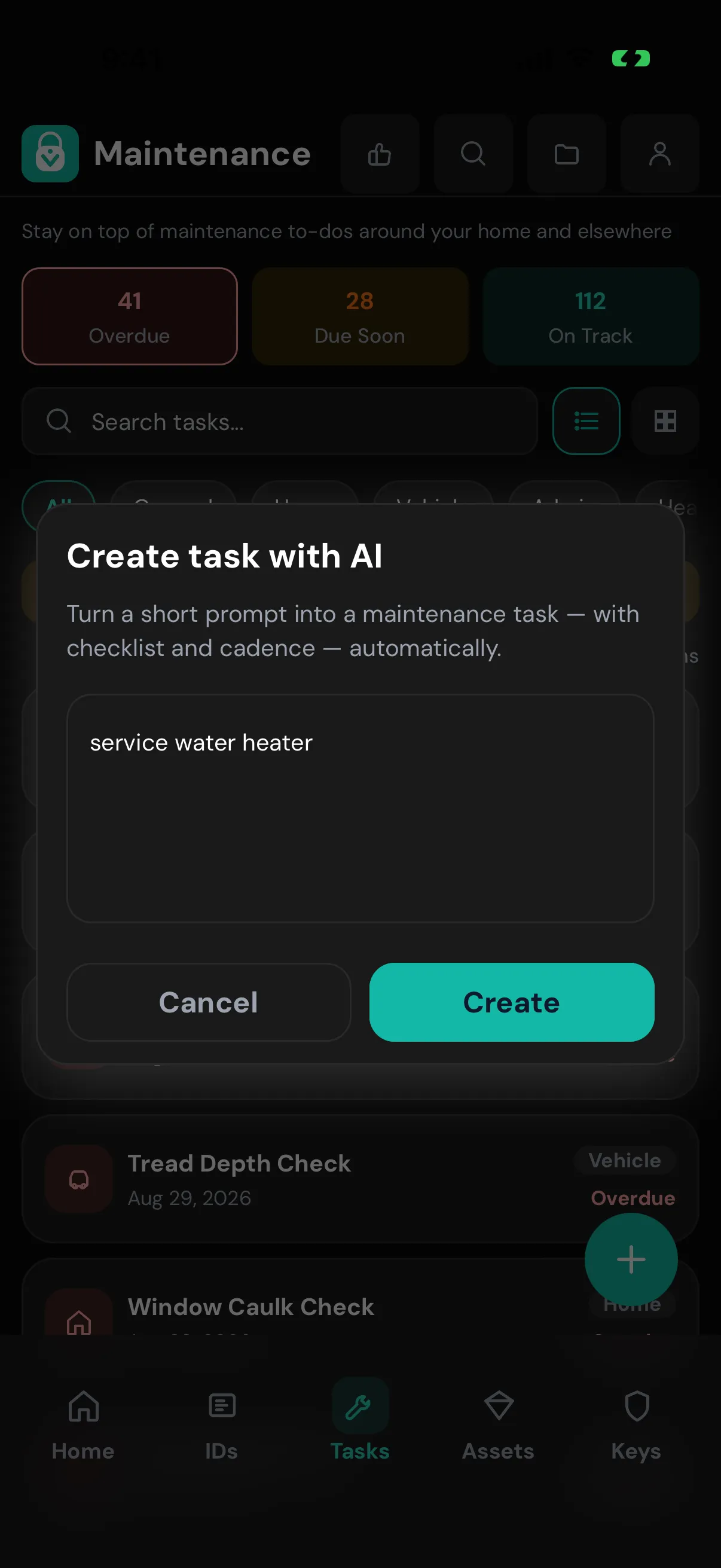
Opt in, and AI turns a one-line prompt into a full plan with steps and timing. Passwords stay out, and every suggestion is a draft you review.
AI Task Manager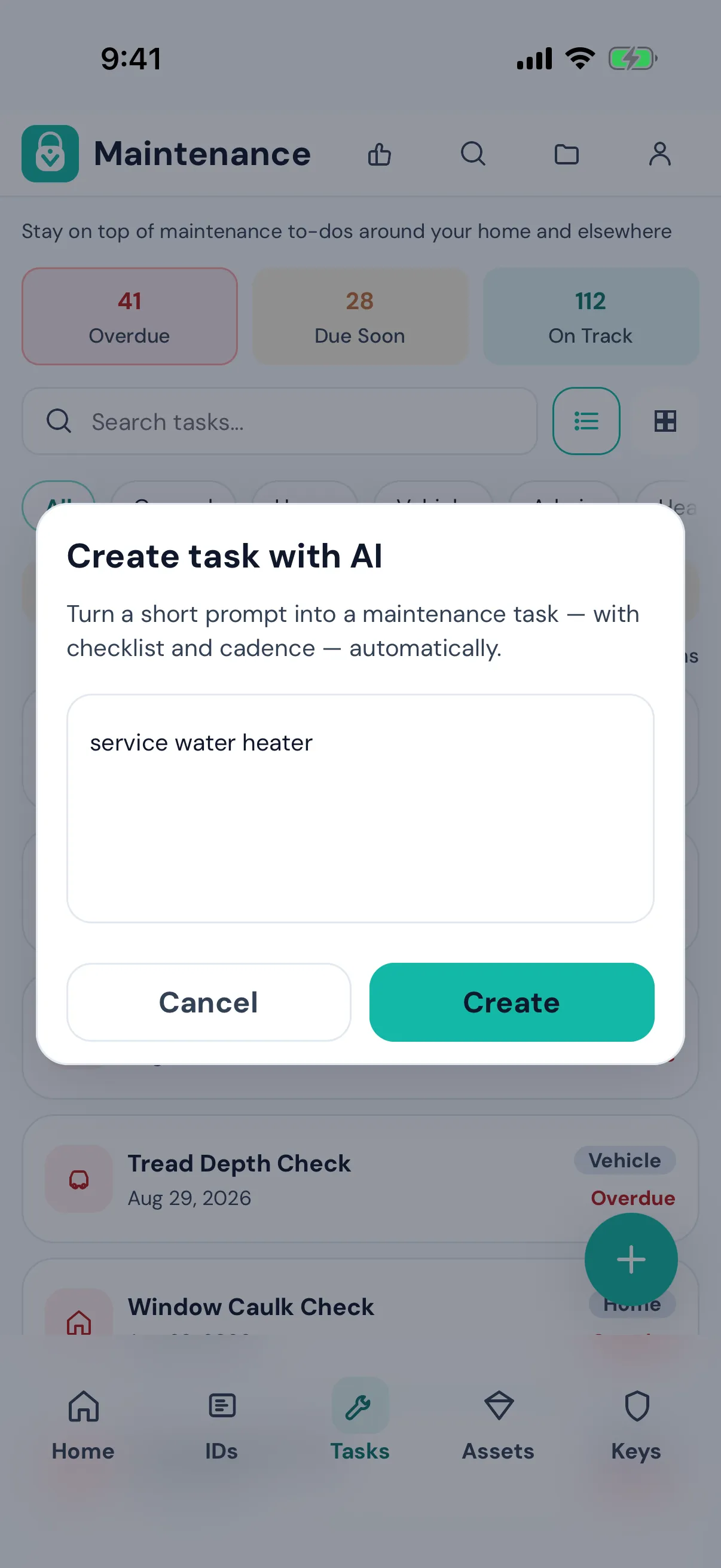
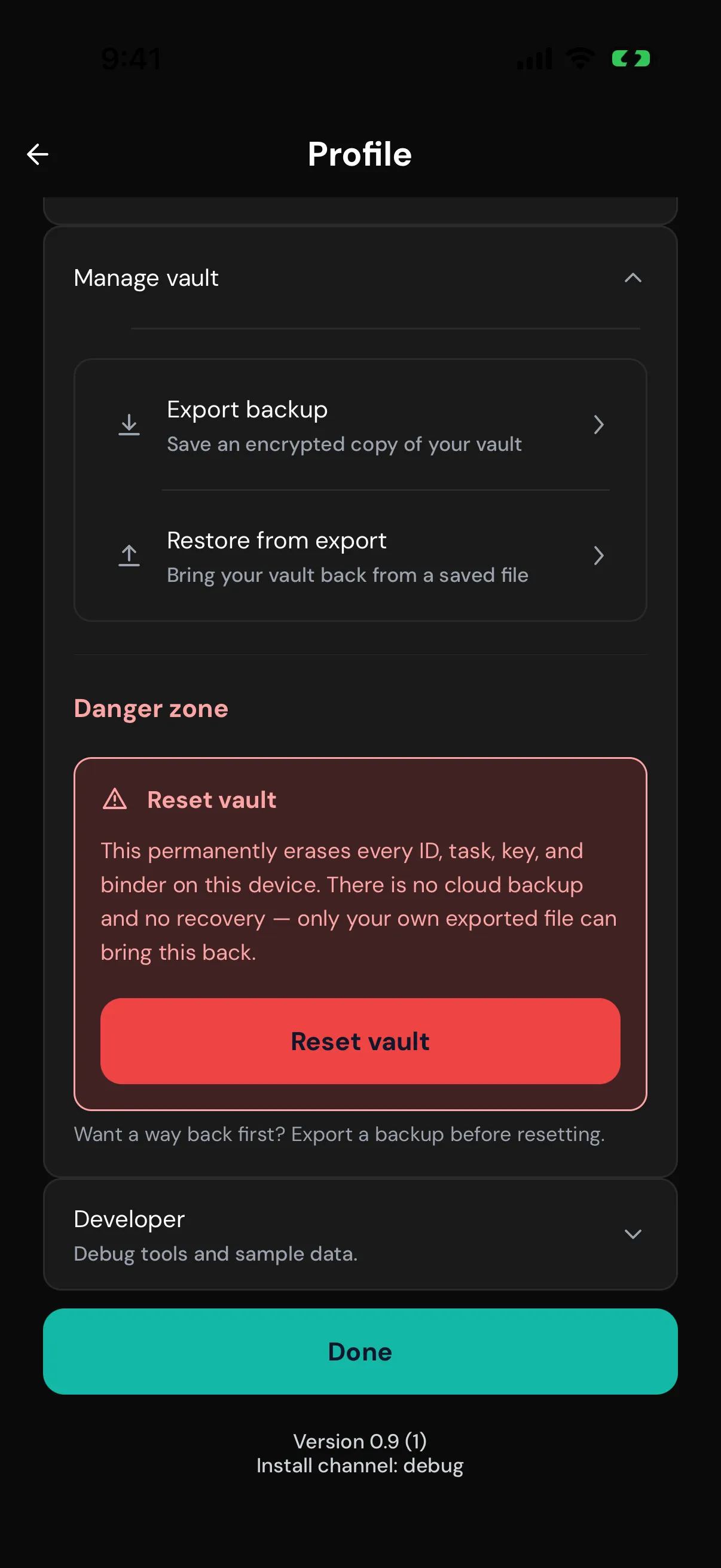
Encrypted backups, manual or automatic, are free and saved as a file you control. Switch phones, or platforms, without asking anyone's permission.
Encrypted backups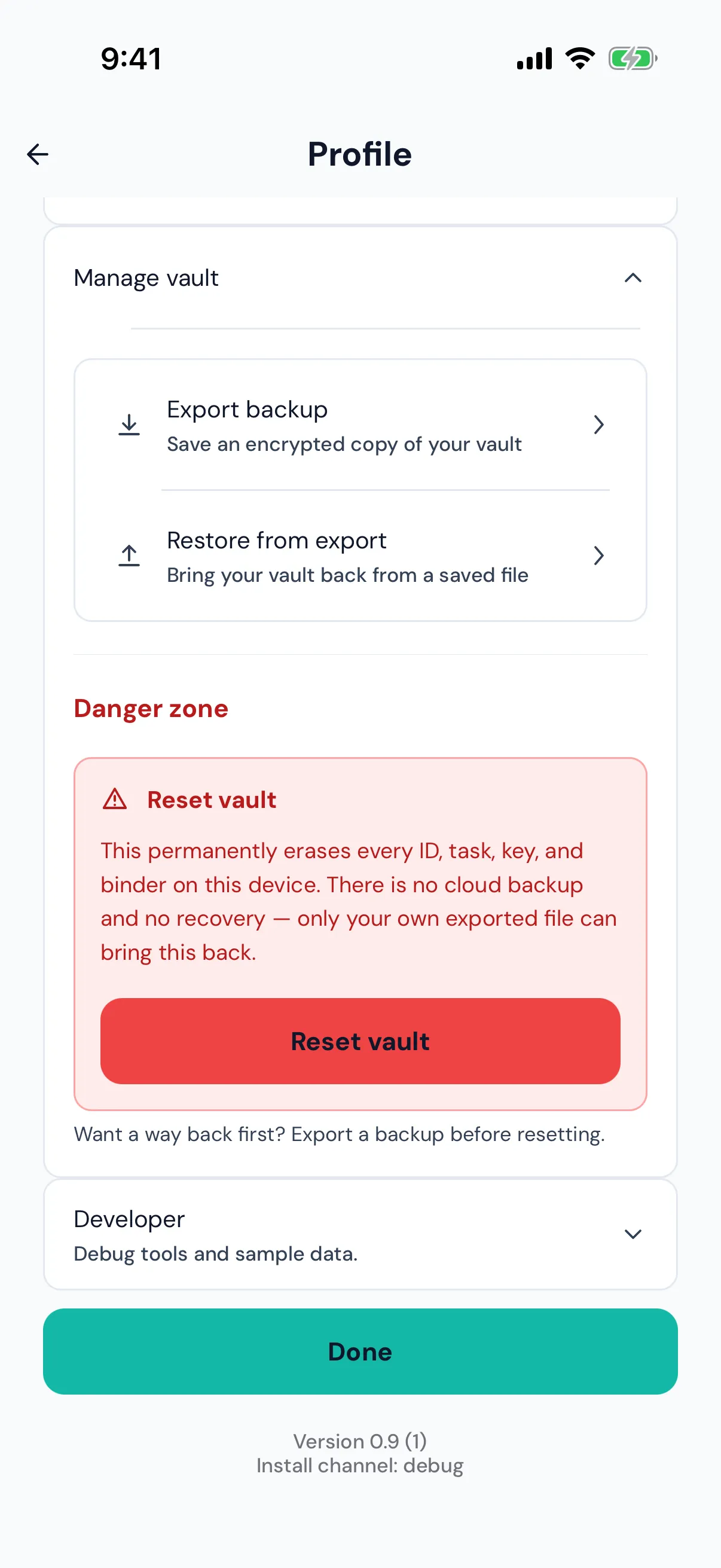
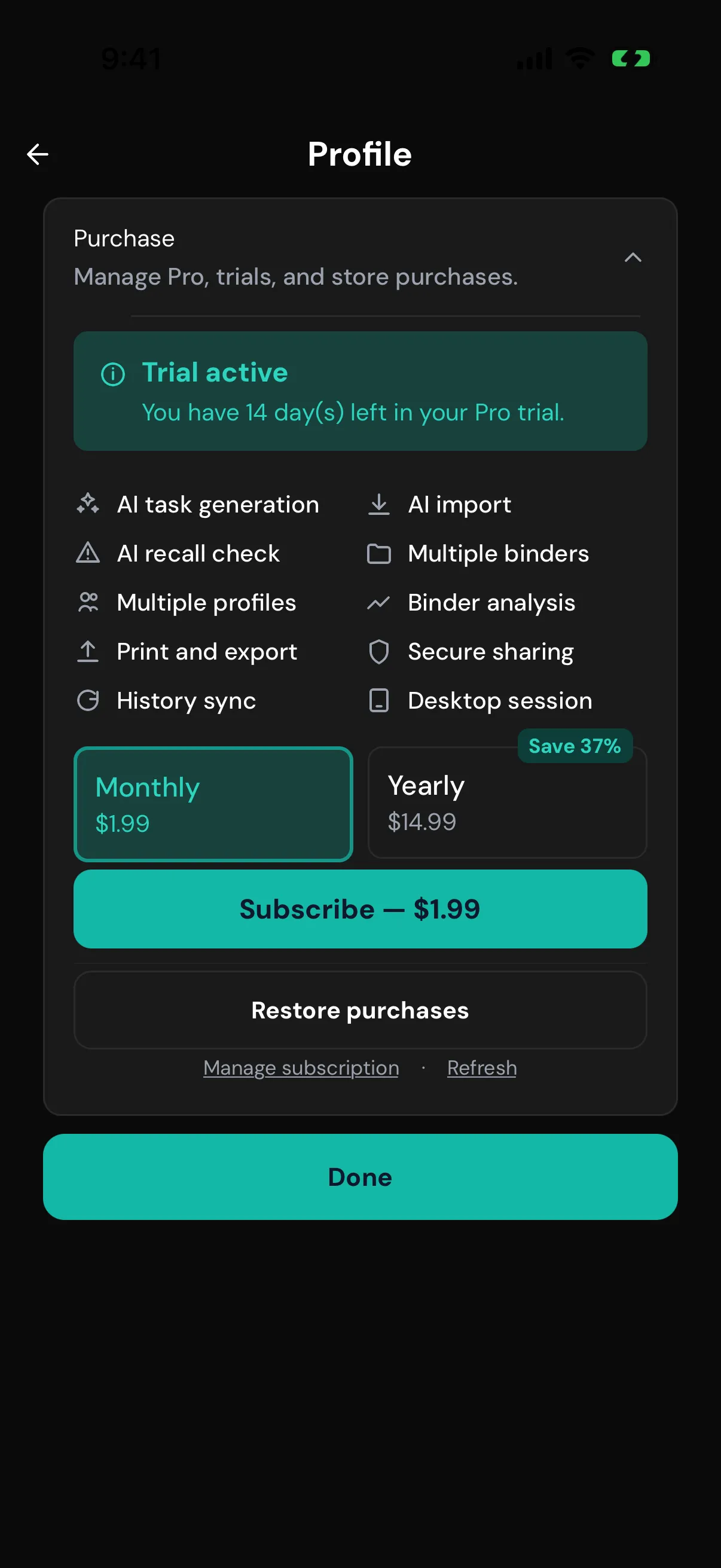
The vault, reminders, backups, and your first binder are free forever. Pro is $1.99/month or $14.99/year with a 14-day free trial, no card needed to start, and it's shared with your Apple or Google family.
Compare Free and Pro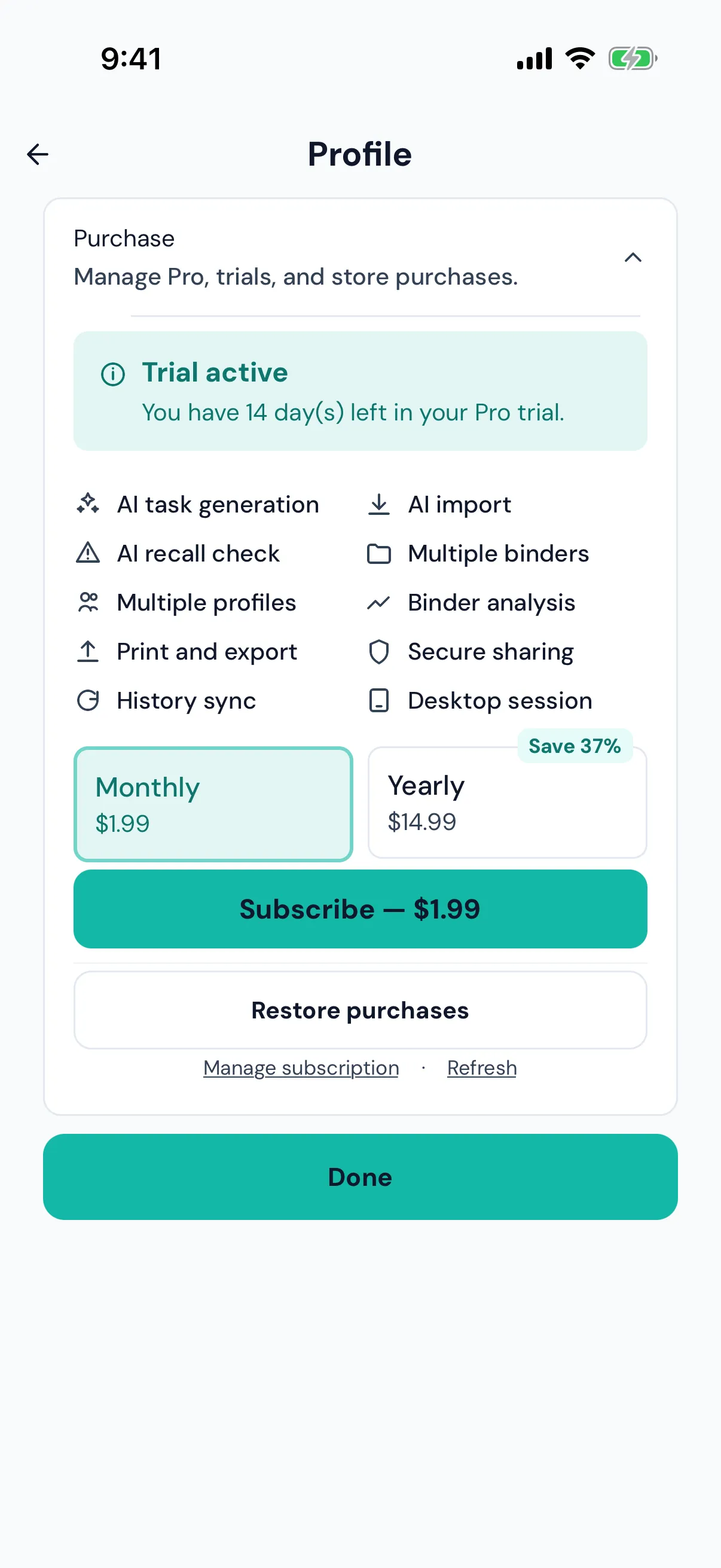
Compared with the kinds of apps people usually stitch together.
| Feature | VeraLocker | Cloud family organizers | Password managers | Notes & spreadsheets |
|---|---|---|---|---|
| Where your records live | Yes: On your phone | No: Their servers | Partly: Their servers, encrypted | Partly: Wherever you save them |
| Account required | Yes: No | No: Yes | No: Yes | Partly: Varies |
| IDs, assets, maintenance and logins in one place | Yes: Built in | Partly: Partly | Partly: Mostly logins | Partly: Build it yourself |
| Reminders that explain why | Yes: Every reminder | Partly: Usually date-based | No: Not their focus | No: None |
| Encrypted sharing without accounts | Yes: Connect once by QR code | No: Invite to their account | Partly: Shared vaults, account needed | No: Copy and paste |
| Works fully offline | Yes: Core vault, always | Partly: Varies | Partly: Usually read-only | Partly: Varies |
| Backups you control | Yes: Encrypted file you keep, free | Partly: Their cloud | Partly: Their cloud, plus export | Partly: Up to you |
| Free core | Yes: Free forever plan | Partly: Varies | Partly: Varies | Yes: Usually free |
Compared by type of app, based on publicly available product information. Individual products vary. As of October 2026.
A passport, a warranty, a maintenance reminder. Free to start, no account needed.